
Wholesale Planning
Wholesale Planning
Guitar String Packaging Barcode Proofing: A Private-Label Artwork Checklist
Review guitar string packaging artwork, GTIN ownership, barcode quiet zones, contrast, size, placement, print proof and SKU identity before release.
# Guitar String Packaging Barcode Proofing: A Private-Label Artwork Checklist
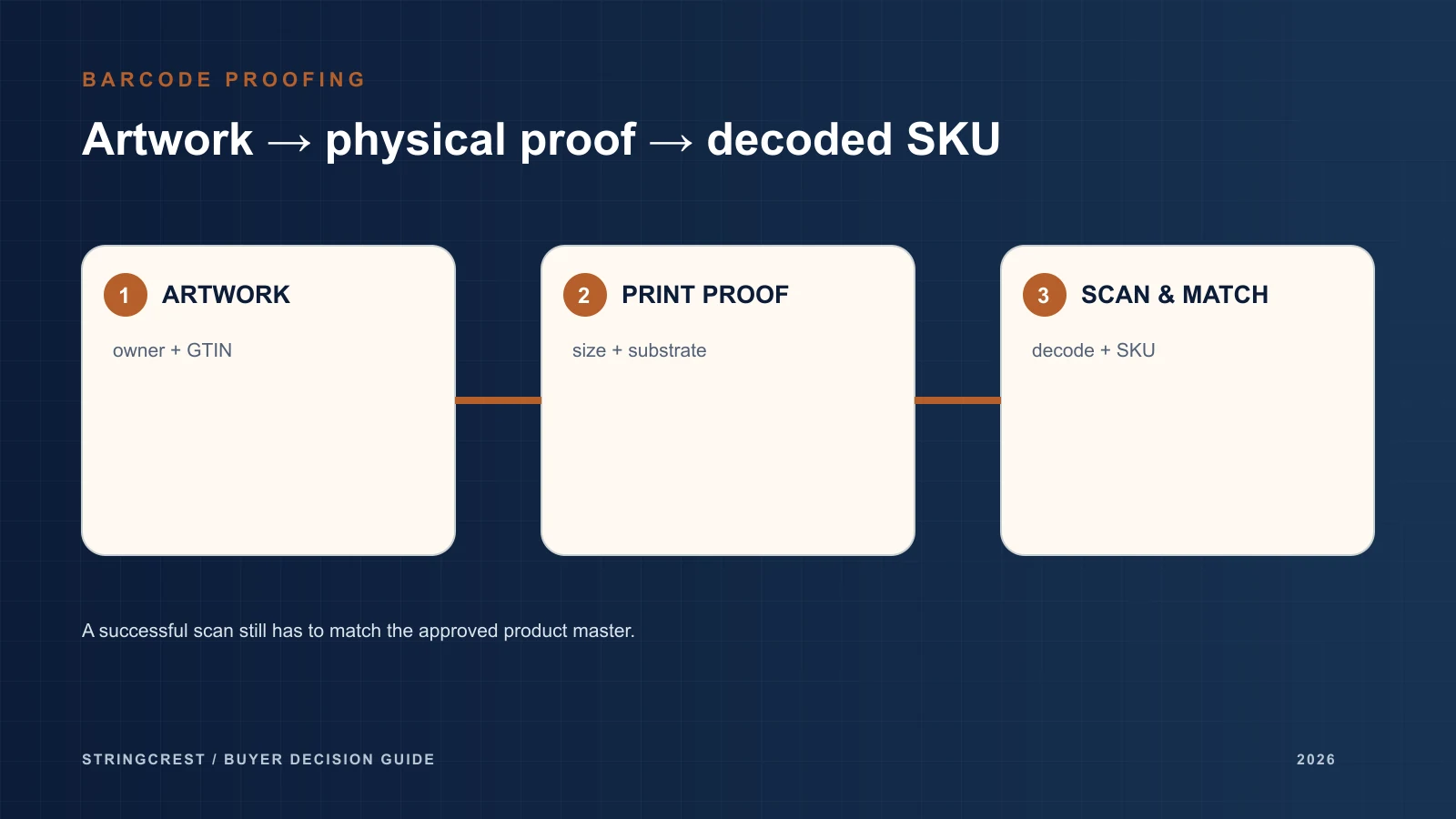
Approve the identity and the printed symbol separately
A barcode proof has two separate jobs. The encoded number must identify the intended string product, and the printed symbol must meet the requirements of the receiving sales channel. A successful scan cannot establish both. A beautifully printed code can identify the wrong set; a correct product number can be printed badly.
For a private-label guitar string order, start with a product-to-GTIN register and a physical packaging proof. Keep those approvals separate until the identity, artwork and print evidence refer to the same revision. The purpose is to prevent a dealer receiving an electric set that its system identifies as an acoustic set, or a warehouse accepting an unreadable retail pack because the PDF looked correct.
This checklist is a buyer's proofing tool. It does not certify a barcode, provide assigned GTINs or establish StringCrest's current printing or verification equipment.
Decide who controls the product identity
Name the person or organisation responsible for assigning and maintaining the GTIN before the packaging designer creates the symbol. An internal SKU and a GTIN serve different systems. Record both, together with the product description that staff should see after scanning.
Keep GTINs as text in spreadsheets so formatting cannot drop leading zeros. Compare the complete string of digits with the authorised master record, including the check digit. A check-digit calculation is a useful data check; it does not prove that the number has been allocated to your business or assigned to this product.
Use a register with these fields:
| Field | What the reviewer checks |
|---|---|
| Brand and internal SKU | Exactly which retail item is being ordered |
| Product configuration | Instrument, full set or single, gauge identity and material |
| GTIN and assignment owner | Digits and authorised source record |
| Retail quantity | One set, one string or a defined multipack |
| Packaging level | Retail unit, shipping case or other separately identified unit |
| Artwork revision | The approved file containing that symbol |
| Scanned description | The receiving system returns the intended product |
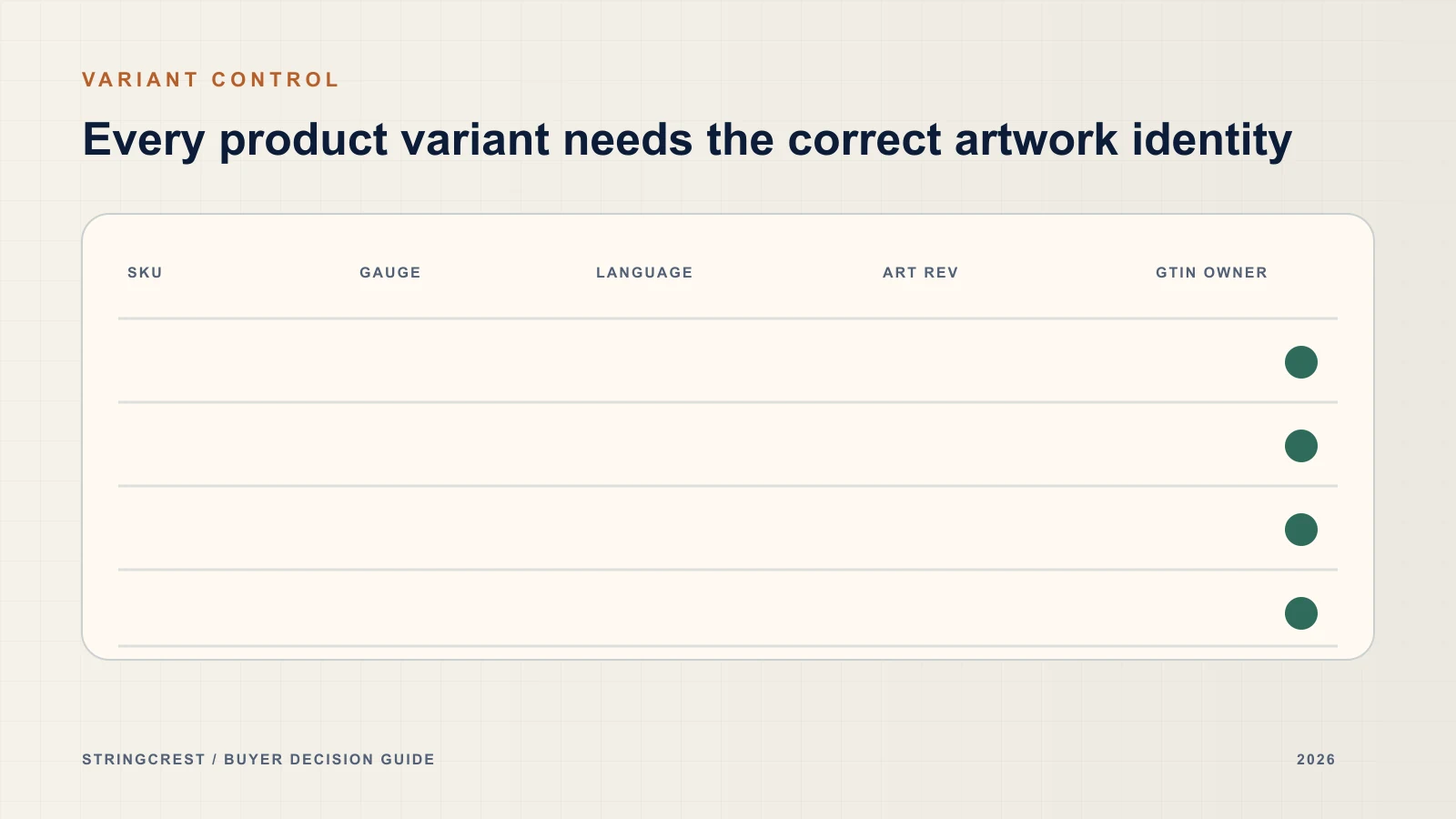
Review product variants against the GS1 GTIN Management Standard. A new product and a change to an existing product are different decisions under that standard. Gauge, material, pack count and market-language changes deserve an identity review; an artwork revision number alone does not settle whether the GTIN should change. The assignment owner should record the decision and applicable rule.
Specify the scanning application before sizing the barcode
Ask the retailer or distributor which symbol and data format it accepts. A code used at a retail checkout and one used on a shipping carton may have different requirements. A QR link to a product page should not be assumed to replace the product-identification symbol required by that channel.
The artwork brief should identify the symbol type, intended scanning environment, approved size and placement. Avoid a general instruction such as “make the barcode smaller.” Size and height need to be reviewed against the requirements for the selected symbol and application.
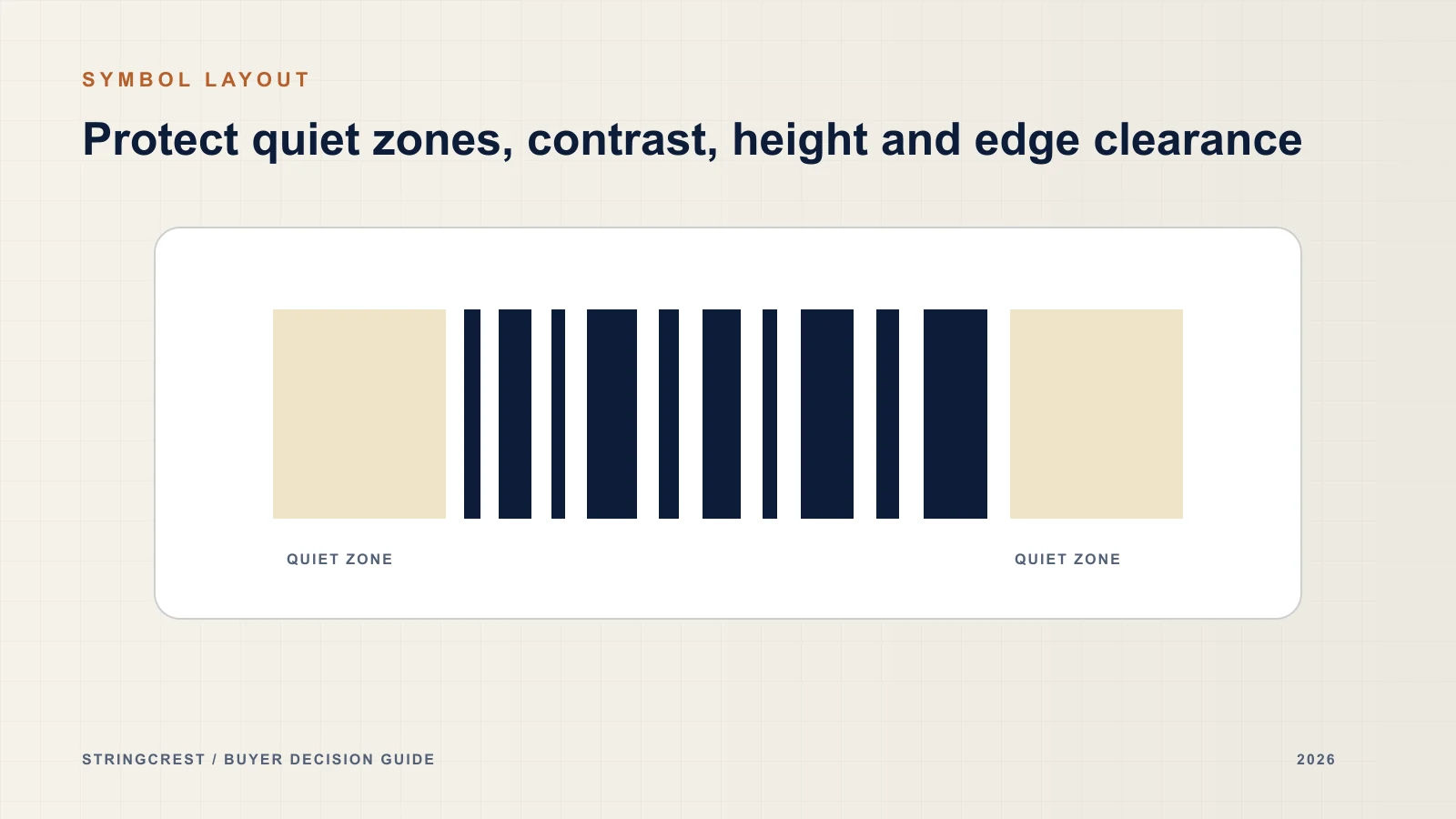
GS1's quality checklist identifies quiet zones, contrast, colour, symbol size, height and packaging interference as common concerns. For a string pack, review the empty space around the symbol, contact with borders or text, folds and seals, surface finish and distortion after the pack is assembled. The dimensions of a production symbol must come from the applicable specification, not from an illustrative blog diagram.
Check the finished physical pack
A screen proof can reveal a wrong number or overlapping artwork. It cannot show how the symbol will behave after printing, folding, sealing or applying a glossy finish. Ask for a proof produced with the intended material and process, and assemble it into its final shape before checking placement.
Use a scan as a functional check. Confirm what the scanner decoded and compare that result with the product register. Test the relevant receiving workflow as well as the number itself: staff may need the right description, quantity and unit of sale to appear in their system.
For print-quality evidence, request verification under the applicable specification. GS1 explains that a compliant verifier measures symbol parameters and produces an overall grade, with minimum requirements depending on the application. A report should identify the specimen, symbol, measurement setup and acceptance criteria. An ordinary scanner reading the pack once is not that report.
The buyer can then make separate release decisions:
| Gate | Evidence | Release decision |
|---|---|---|
| Data identity | Assigned GTIN record and decoded digits matched to the SKU | Intended product identified |
| Artwork | Approved file, symbol type, dimensions and clear placement | Design ready for physical proof |
| Finished print | Relevant verification report and assembled-pack checks | Printed version meets agreed criteria |
| Receiving workflow | Correct description, quantity and sale unit in the customer's system | Channel can handle the product |
Route failures to the right person
Consider three hypothetical findings. In the first, the scanner reads cleanly but displays the wrong gauge set. Correct the identity mapping or encoded data; moving the symbol will not solve it. In the second, the digits match but the finished pack performs poorly because a fold crosses the symbol. Review placement and the assembled proof. In the third, the PDF was approved but the print run uses an older artwork file. Resolve revision control before releasing that stock.
Record the failed specimen and exact file version. Ask the assignment owner to approve identity corrections, the designer to revise artwork and the printer to supply the revised physical proof. Agree who gives final release. A general “barcode approved” email leaves these responsibilities unclear.
Keep a compact proof packet: the product register, approved artwork, identified physical specimen, scan results, applicable verification evidence and release decision. If ink, substrate, finish, layout or printing conditions change, decide which checks must be repeated before accepting the changed pack.
For broader design handover, use the private-label packaging brief. Keep performance claims in the separate packaging claims review; a readable barcode provides no evidence for tonal, lifespan or quality claims.
FAQ
Is a phone scan enough to approve the pack?
It is useful for checking decoded data on that device. Approval also needs identity matching, the channel's requirements and suitable evidence for the finished print. If a verification grade is required, request the corresponding report.
Can we reuse one GTIN across different gauge sets?
Do not decide from the similar appearance of the packs. Ask the assignment owner to apply the GS1 product-identification rules to the intended variants and record the decision before artwork approval.
Must every artwork revision receive a new GTIN?
An artwork revision and a GTIN change are separate decisions. Review what changed in the product, its identification and packaging hierarchy against the applicable rules; preserve the link between whichever GTIN is approved and the exact artwork version.
Conclusion
Release a string pack when its identity, artwork and finished print evidence agree. Separating these gates makes it easier to correct the actual failure and prevents a single successful scan from being treated as approval of the whole package.
Ready to prepare the proof packet? Send your SKU list, packaging files, target sales channel and available barcode evidence.
FROM GUIDE TO PRODUCT
Connect this guide to private-label string development.
Review the relevant range, then bring the instrument, complete specification and open questions into one project brief.
YOUR PRODUCT · YOUR BRAND
Discuss your next string project with Frank.
Share your instrument category, target market, gauge or material direction and private-label packaging requirements.

ABOUT THE AUTHOR
Frank Zou
Frank works directly with musical-instrument brands, importers and distributors on string specifications, product selection and private-label project requirements.
Meet Frank